Redact screenshots without leaving your tab
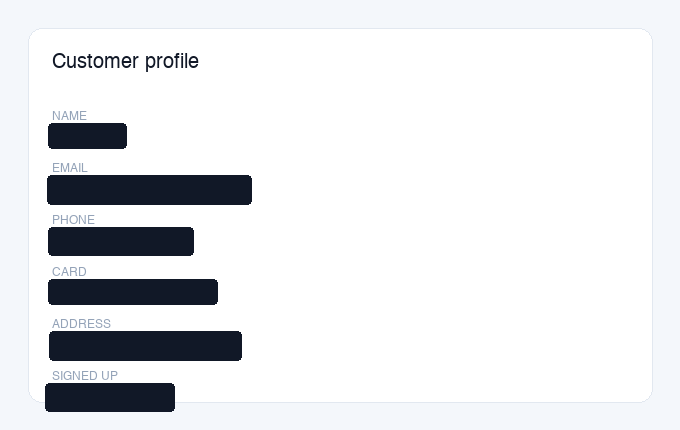
Capture any part of a page and Privshot blacks out names, emails, card numbers and IDs automatically, with the same engine as the web tool, right in your browser.
Region or full tab
Capture a region or the whole tab. Select exactly what you need, right on the page.
Automatic detection
The AI finds names, emails, phone numbers, cards and IDs, and covers them in one click.
Quick editor
Add, remove or recolor a box, then download the clean PNG or copy it to your clipboard.
Private by design
Processed on our server, then discarded immediately. Never stored, never shared.
How it works
Install
Add Privshot to your browser in one click. No account needed.
Capture
Click the icon, then drag over a region or grab the whole tab.
Redact & export
Review the boxes, then download the clean image or copy it to your clipboard.
The same privacy promise
Privacy works exactly like privshot.com: your capture is processed server-side in the EU, then discarded immediately. It is never stored, shared, or used to train any model. In the default mode, the redaction boxes are drawn in your browser. Read the full privacy policy.